Introduction
Site meeting reports: project memory and accountability traceability
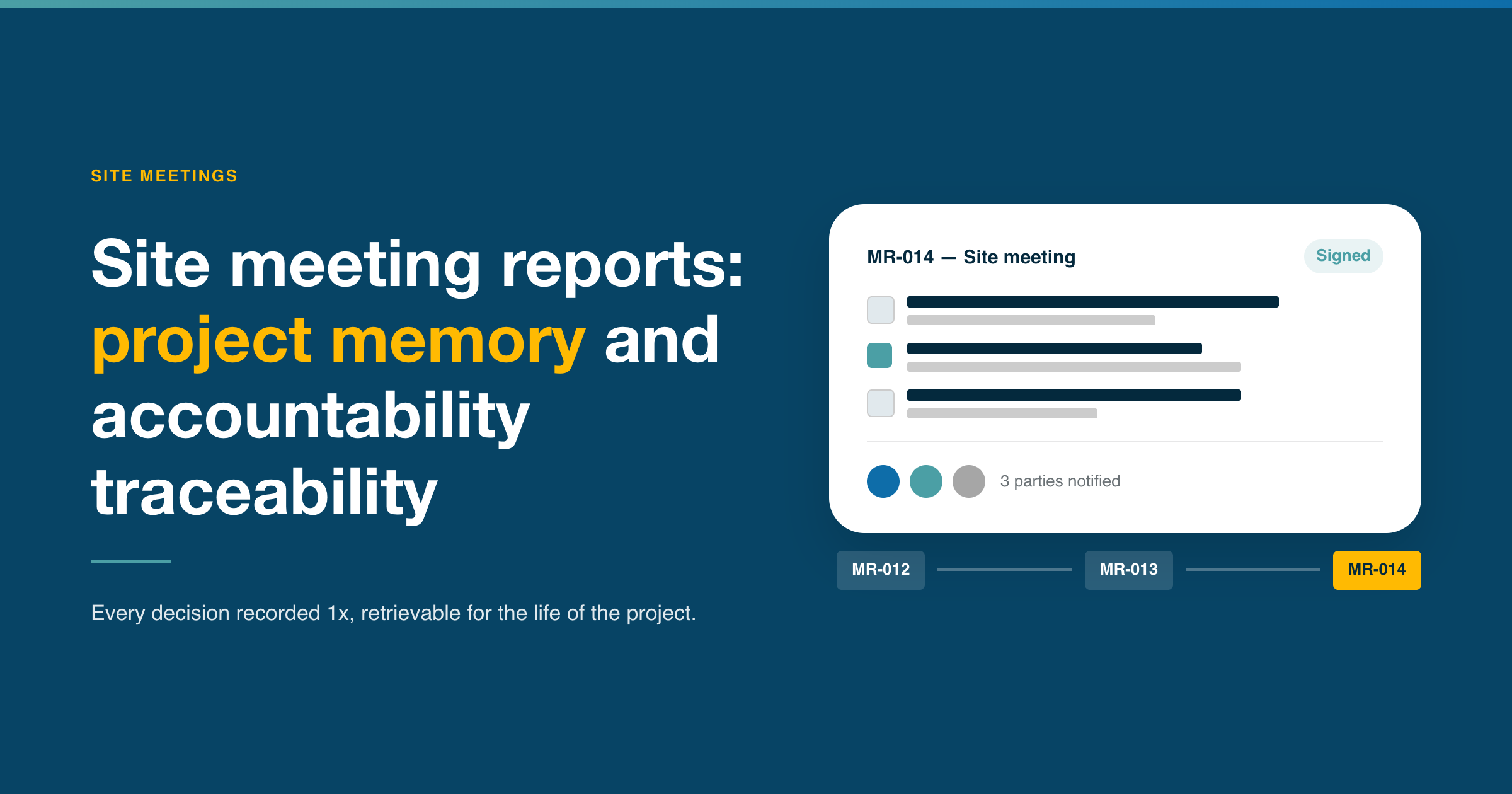
Site meeting reports, also known as minutes, are sometimes rushed under the pressure of the site's pace. Seen as superfluous by some, this document is in fact a genuine asset in the day-to-day management of a project. It engages the liability of the company the author represents, and it stands as evidence for all parties once they have accepted it without reservation.
This article will help you understand why the site meeting report is indispensable to any construction project, how to structure it effectively, and how to turn it into a full-fledged project management tool.
Why the site meeting report is an essential document
A construction site is a succession of discussions and decisions made by numerous stakeholders, often under time pressure. The architect, the contractor, the site manager, the client: each one moves forward, arbitrates, adapts. And each one must be able, at any moment, to retrieve what was said, decided and recorded.
That is precisely the role of the site meeting report. Drafted after each site meeting, this document constitutes the project's official memory. It logs the exchanges, formalizes decisions, and assigns actions to the parties responsible. Without it, information stays scattered across people's minds or inboxes, partial and unverifiable.
The site meeting report also carries legal weight. In the event of a dispute, it allows the history of decisions to be reconstructed, identifies who approved what and when, and helps determine each stakeholder's liability. This is what makes it as structuring a tool for day-to-day site management as it is a safeguard for everyone involved over the long term.
Drafting it is generally the responsibility of the party overseeing site supervision, whether that is the architect (in Belgium, drafting the site meeting report is part of the architect's statutory duties), an OPC (Scheduling, Coordination and Supervision), or the AMO (owner's project management assistant), depending on how the project is organized. In all cases, it engages the professional liability of its author. This is therefore not a mere administrative formality: it is a binding professional responsibility, both for the architect and for every stakeholder who signs off on or approves the document.

What a good site meeting report should contain
A site meeting report only has value if it is usable. A document that is too long, poorly structured, or hastily written ends up going unread, which defeats the very purpose it is meant to serve. Three elements every good site meeting report should include:
Meeting history. Every report opens with the fundamentals: the date, the list of attendees, absentees and those who sent apologies, along with the name of the author. From a practical standpoint, this section is also where contact details for the relevant people can be listed.
Traceability of discussions and decisions. This is the core of the document. Items are organized by topic, by discipline (structural stability, ventilation, and so on) or by process (contract management, safety, etc.). Each open item is assigned a primary number linked to its discipline. Related items that emerge in subsequent meetings are given a sub-number attached to that same item, making it possible to track a subject's progress throughout the entire project without losing the thread. Each item is given a clear status: open, in progress, or closed.
Formatting and layout should make it easy to identify new items between two reports at a glance.
When an item is the subject of a request for rewording after distribution, this must be explicitly reflected in the following report, visible to all parties.
The report can also include Post Meeting Notes when important elements have been exchanged or decided between two meetings and need to be recorded for the sake of the project's memory.
Action roadmap. Every decision that requires action must be translated into three pieces of information: who is responsible, what needs to be done, and by when. These actions should be kept separate from the body of the text. This clarity is what makes the difference between a report that gets consulted and one that gets archived without ever being read. Actions can appear within the report, but we recommend being able to isolate them in a separate list so they can double as a "to-do" tracker.
Best practices for drafting a site meeting report
A few tips for drafting site meeting reports:
Set a review deadline. Once distributed, the report is binding. Each participant is given a defined window to flag an inaccuracy or request a rewording. Once that window has passed, the content is deemed accepted. This principle, simple as it sounds, prevents late-stage disputes and gives the document its enforceability.
Maintain a single document. The temptation to split into multiple files is strong: one per meeting, one per trade, one for actions. This is a mistake: a single document, with filtered views by topic, by person responsible, or by status, offers far greater clarity and reliability. History stays consistent, information doesn't get scattered, and everyone works from the same baseline. A single source document also makes keyword search possible.
Calibrate the length. An exhaustive report that logs absolutely everything ends up discouraging readers. The goal isn't exhaustiveness, it's usefulness. Closed items should be archived or hidden, and secondary exchanges summarized. What should remain visible are the decisions to be applied, actions in progress, and sensitive points.
Pay attention to the wording. Phrasing matters. A poorly worded, ambiguous, or vaguely attributed decision can create just as many problems as a decision that was never recorded. The person drafting the report may also be influenced by their role in the project and tempted to downplay their own responsibility. Reviewing meeting minutes carefully is therefore essential, even for those who attended.
Tools: the site meeting report's Achilles heel
Even with the best intentions, the quality of a site meeting report often runs into a concrete obstacle: the tool used to write it.
Word and Excel remain the most common default choices on construction sites. They have the merit of being accessible and familiar to everyone. However, they were never designed for this deliverable, and their limitations become apparent as soon as the project grows in scale.
Site meeting reports drafted in Word
Here are the three main difficulties you run into when using Word:
Item numbering, first. In Word, this is most often managed manually. One insertion, one deletion, and the entire numbering sequence falls apart. On a project spanning several months with dozens of open items, the risk of error is constant, and inconsistent numbering alone is enough to undermine the document's traceability.
Overview, next. Word is a linear reading tool, not a management tool. There's no way to filter items by person responsible, status, or discipline. To find out where a specific topic stands, you have to go through the entire document, meeting by meeting.
History management is also a challenge. From one meeting to the next, should closed items be deleted to lighten the document, at the risk of losing the project's memory? Or should everything be kept, at the risk of producing a document dozens of pages long that no one reads? Without a native filtering system, there is no good answer.
Site meeting reports drafted in Excel
Excel, finally, is a spreadsheet: built for numbers and calculations, not for text. Writing decisions, rewordings, or post-meeting notes into cells means fighting against the tool. Layout becomes a struggle, readability suffers, and collaborating on the same file with several people quickly turns into a headache, with no track-changes function to fall back on.
Why Excel and Word aren't the right tools for drafting site meeting reports
On a long-running project with numerous stakeholders, this approach carries a real cost. Site meeting reports drafted in Word or Excel are distributed by email, usually as PDFs. They get lost in inboxes and are only reopened in the five minutes before the next meeting. Approval, meanwhile, becomes tedious as soon as opinions differ on what the author put down on paper.
The file also remains static: not connected to a task management tool, it generates no reminders or priority flags, and it's difficult to link a report item to the corresponding version of a drawing. Tracking resolutions becomes more complicated as a result: a request raised in a meeting can only be verified at the next one, leaving the door open to error.
As for history, it remains difficult to reconstruct: Word does allow two versions to be compared, but the process is tedious, and Excel simply doesn't offer this at all, with the risk of missing an important change.
What is your project?
Talk to an expert
Tell us more about your project and needs. Our experts will answer your questions within 24 hours.

Laure Bouvier
Project Manager